You're Paying for Microsoft 365: Are You Using all of Its Features? Part 3
By Andrew Gale, Vice President of Technical Services
For many businesses, Microsoft 365 is viewed as a platform for email, file storage, and Microsoft Teams. While those core services are essential, most organizations are only scratching the surface of what they’re already paying for. Microsoft 365 includes a wide range of tools designed to improve security, productivity, collaboration, and operational efficiency. If your business isn’t leveraging these features, you may be missing opportunities to reduce costs, strengthen cybersecurity, and empower employees to work more effectively. Here are 11-15 of the 15 most powerful Microsoft 365 features every business should be using.
11. Microsoft Forms
Paper forms, manual data entry, and email-based requests can create unnecessary inefficiencies. Microsoft Forms allows organizations to quickly create surveys, questionnaires, customer feedback forms, inspections, and internal request processes. Responses are collected automatically and can be integrated with Power Automate to trigger notifications or workflows. The result is faster data collection, more consistent processes, and improved visibility into business operations.
12. Microsoft Planner
Microsoft Planner provides a simple yet effective project and task management solution built directly into Microsoft 365. Teams can create plans, assign tasks, track progress, set deadlines, and collaborate without requiring additional project management software. Planner integrates seamlessly with Microsoft Teams, making it easy to keep projects organized and visible. For businesses seeking to improve accountability and project execution, Planner offers a practical way to manage workloads and enhance team productivity. Advanced versions with additional features are available with additional licensing.
13. Email Encryption
Sensitive information is frequently shared with customers, vendors, partners, and employees outside the organization. Microsoft 365 Email Encryption helps protect that information by ensuring only authorized recipients can access encrypted messages. Users can send secure emails directly from Outlook without requiring complex tools or processes. Email Encryption helps reduce the risk of data exposure, supports compliance initiatives, and provides greater confidence when sharing confidential business information. Email encryption is available with Business Premium and above.
14. Shared Mailboxes
Many organizations purchase extra licenses for generic email addresses that multiple employees need to access. Microsoft 365 Shared Mailboxes provide a more cost-effective solution for addresses such as support@, sales@, billing@, or info@. Authorized users can access incoming messages, reply on behalf of the mailbox, and collaborate on responses without requiring separate user accounts. Shared Mailboxes improve customer service, centralize communications, and help organizations manage licensing costs more effectively.

15. Self-Service Password Reset (SSPR)
Password-related support requests remain one of the most common reasons employees contact IT. Microsoft Entra ID Self-Service Password Reset allows users to securely reset forgotten passwords or unlock their accounts without waiting for assistance from the help desk. After completing identity verification using methods such as Microsoft Authenticator, phone verification, or alternate email validation, users can quickly regain access and get back to work. For businesses with remote workers or multiple office locations, SSPR helps reduce downtime, improve user satisfaction, and lower support costs.
BONUS: Microsoft Secure Score
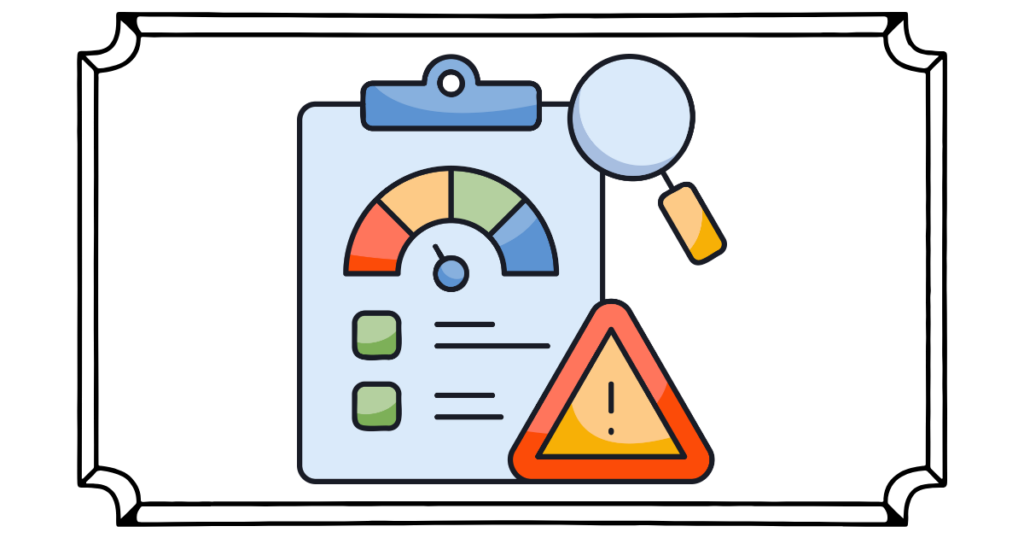
Microsoft Secure Score provides organizations with a measurable view of their cybersecurity posture within Microsoft 365. The tool continuously evaluates security settings and configurations, then generates recommendations to strengthen protections against modern threats. Business leaders gain visibility into security risks while IT teams receive a prioritized roadmap for improvement. Secure Score helps organizations move beyond guesswork by providing clear metrics and actionable guidance that can improve security while supporting compliance and cyber insurance requirements.
Are You Getting Your Full Value from Microsoft 365?
The challenge isn’t just purchasing the right tools. It’s knowing how to configure, secure, and manage them effectively. At Lasco, we help businesses evaluate their Microsoft 365 environment, identify underutilized features, and implement solutions that improve security, productivity, and operational efficiency. If you’re unsure whether you’re getting the most from your Microsoft 365 investment, we’re here to help.
For more information, call Lasco at (800) 800-6197 or Request a Consult.