What is it and why Does it Work?
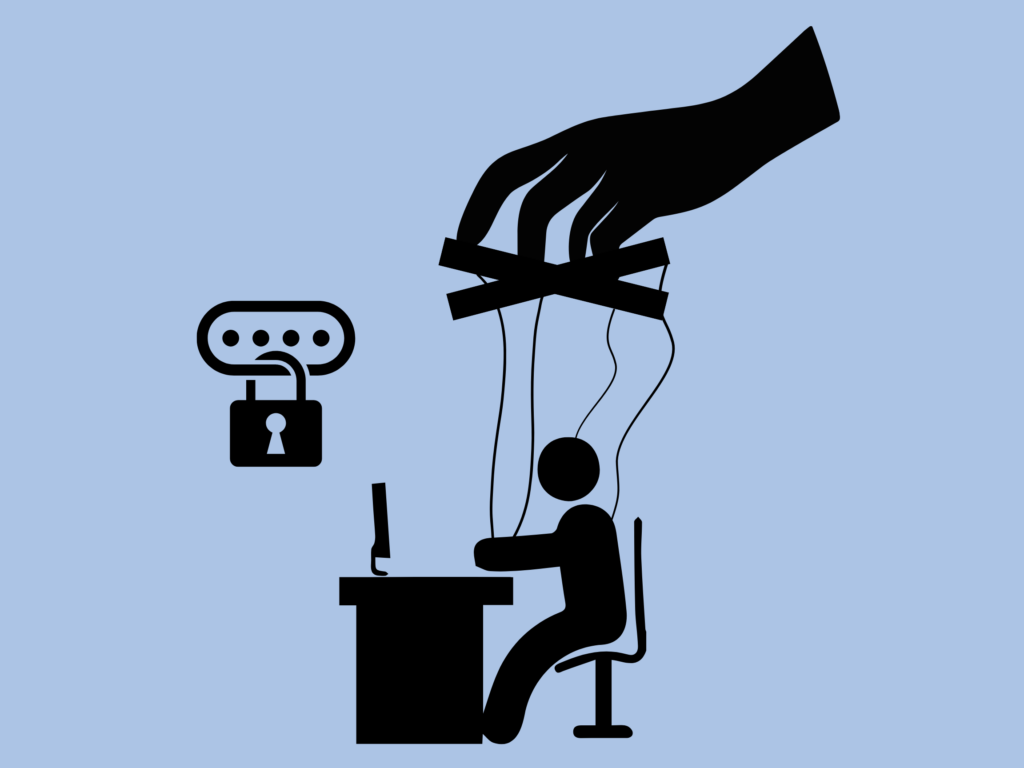
Phishing relies on psychological manipulation. Attackers craft messages designed to create urgency, fear, or curiosity. These messages may appear to come from trusted institutions such as banks, government agencies, or even coworkers directing victims to click malicious links or provide confidential information such as credentials or account numbers. Due to how much personal data is shared online, cybercriminals have ample material to tailor convincing scams, including, but not limited to; names, addresses, social security numbers, phone numbers, email, the list goes on. Using some or all these materials can work in tandem to convince an employee that an email is legit – after all, how else would they have such intimate knowledge of you?
What are some of the Different Forms?
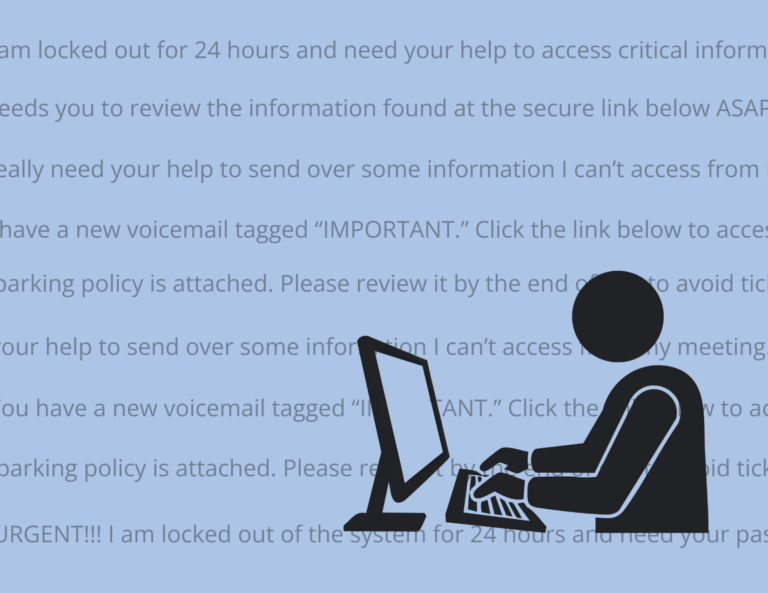
Email phishing: The most common form of phishing, involving fraudulent emails that mimic legitimate organizations which attempt to prompt users to click harmful links or share information.
Smishing: Phishing via SMS text messages, often claiming issues with deliveries, bank accounts, or online services such as PayPal.
Vishing: Voice phishing conducted through phone calls, where attackers impersonate officials or support agents to extract sensitive data such as passwords and multifactor authentication codes.
Quishing: Very similar to phishing, contains QR codes to scan as opposed to a link. Defending against QR codes is much harder as the link is a scrambled picture, making it difficult for traditional email monitoring to detect this.
Business Email Compromise (aka BEC): A more sophisticated form of phishing where your account could be used to send out phishing emails to your coworkers making it look much less suspicious.
There are other kinds of phishing outside of the ones listed above, so it’s important to be vigilant.
Attackers have latched on to using artificial intelligence (AI) to help make more convincing messages with fewer mistakes or red flags. Even though the initial delivery method may change with phishing or social engineering, the common shared goal is convincing you to trust a fraudulent request long enough to hand over valuable/sensitive information.
What do we Need to Watch for?
One nice thing about phishing is that the vast majority will share some common red flags even if AI is used:
- Urgent or threatening language: “Your account will be closed immediately!”
- This is meant to make you act quickly which of course means you won’t be thinking about why it’s supposedly being closed and focused on contacting the attacker instead. Your best bet is to call the place of business for verification through a known-good channel (like an officially listed phone number) if you’re in doubt.
- Unexpected attachments or links: Attachments have the potential to contain links and macros that aren’t detected in email.
- The links will lead you to malicious sites while the macros may launch commands or install software. If you’re not expecting the attachments, it’s best to reach out to the real sender (Through a different channel, do not respond to a possible phishing email) or delete.
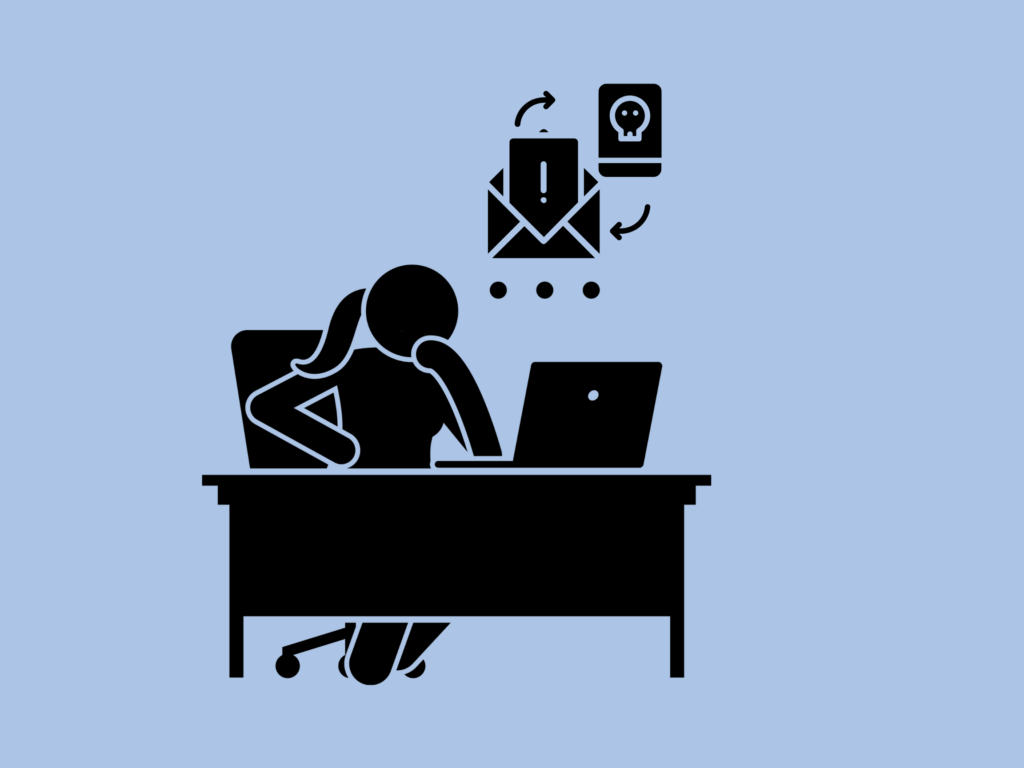
- Requests for sensitive info: This can be tricky if you work with sensitive info often. And because of this, context is king. Here are a few questions to ask yourself to see if the request is normal:
- Is this request expected?
- Can it be validated through a “known safe” channel or method?
- Does the delivery method make sense? Does this person normally email you?
- Think logically: there’s a pretty rock-solid chance that Amazon isn’t going to text you regarding a failed payment. But if they email you, it sounds a little more believable, doesn’t it? Verification is key in this situation.
How to Take Away Their Phishing License
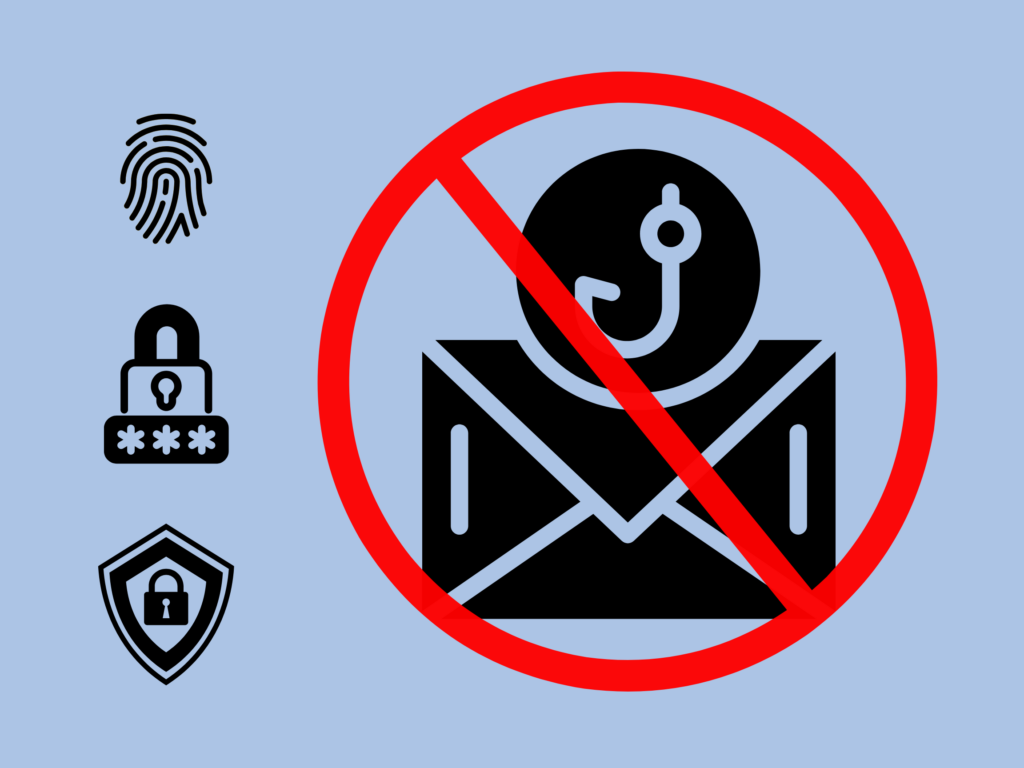
Unfortunately, being the digital DNR isn’t as easy as walking up to an attacker and asking to see their phishing license. Thankfully we have options in our tacklebox which can be separated into two main categories: Technical Defenses and Organizational Practices. Technical Defenses attempt to block known phishing attempts while organizational practices are policies or procedures that an organization follows to shrink the attack surface.
A few examples of Technical Defenses that help:
- Multifactor authentication
- Strong passwords or going passwordless
- Antispam to block emails
- Browser/endpoint protection installed and functioning
- Updates to keep vulnerabilities patched
Organizational Practices may include more than what is listed but a few easy ones are:
- Adopting principle of least-privilege (PoLP) access to ensure that end users only have the permissions required to do their job and nothing more. This shrinks the “blast radius” of a possible attack on that account, as the attacker (without more work) can only operate with the permissions level of that account.
- Vendor/supply chain controls to ensure that an enterprise is properly vetting who they choose to do business with.
Are you going on a fishing trip and worried your team will have a phishing trip of their own while you’re gone? Give Lasco a call today at (906) 228-9720 and find out how we can help.
~By Josh Scanlon, Lasco Jr. Cybersecurity Analyst